
Powerful and Intuitive Tools That will Transform Your WordPress Website-Building Experience.
Explore the page builder features that make PixeBuilder the go-to tool for WordPress creators worldwide,
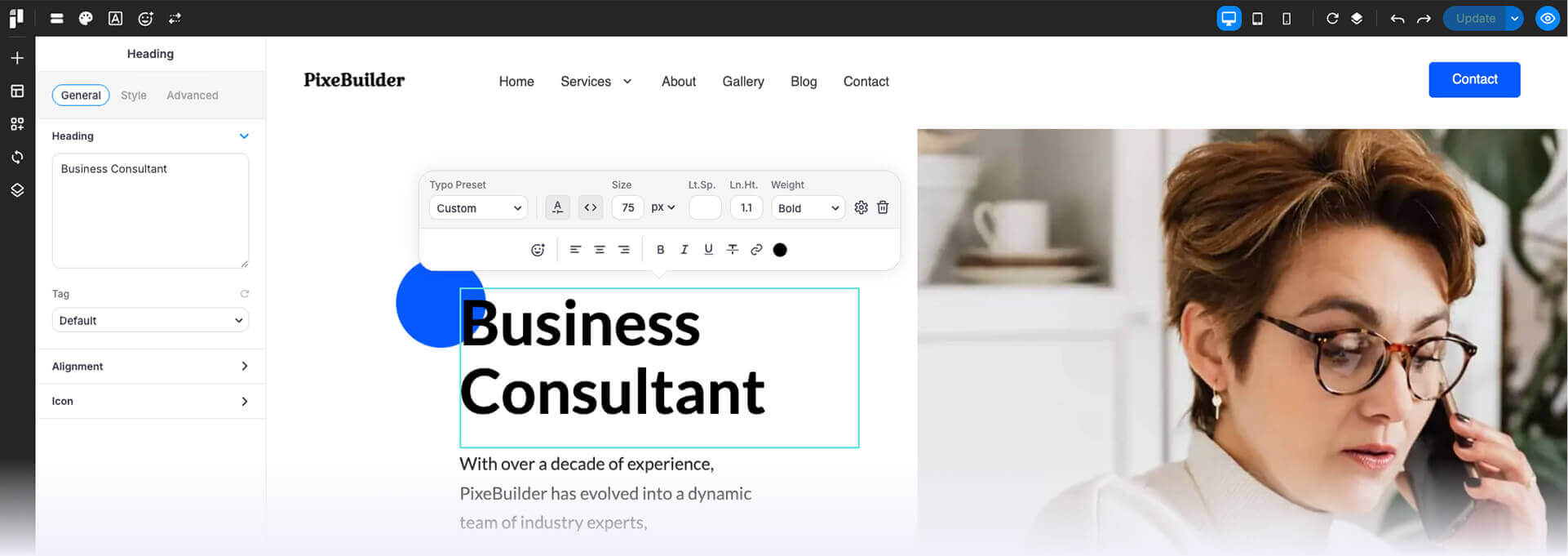
Header, Footer, and Popup Builders
Design the core elements of your website exactly how you envision them.

Flexible Headers & Footers

Engaging Popups

Template Reuse
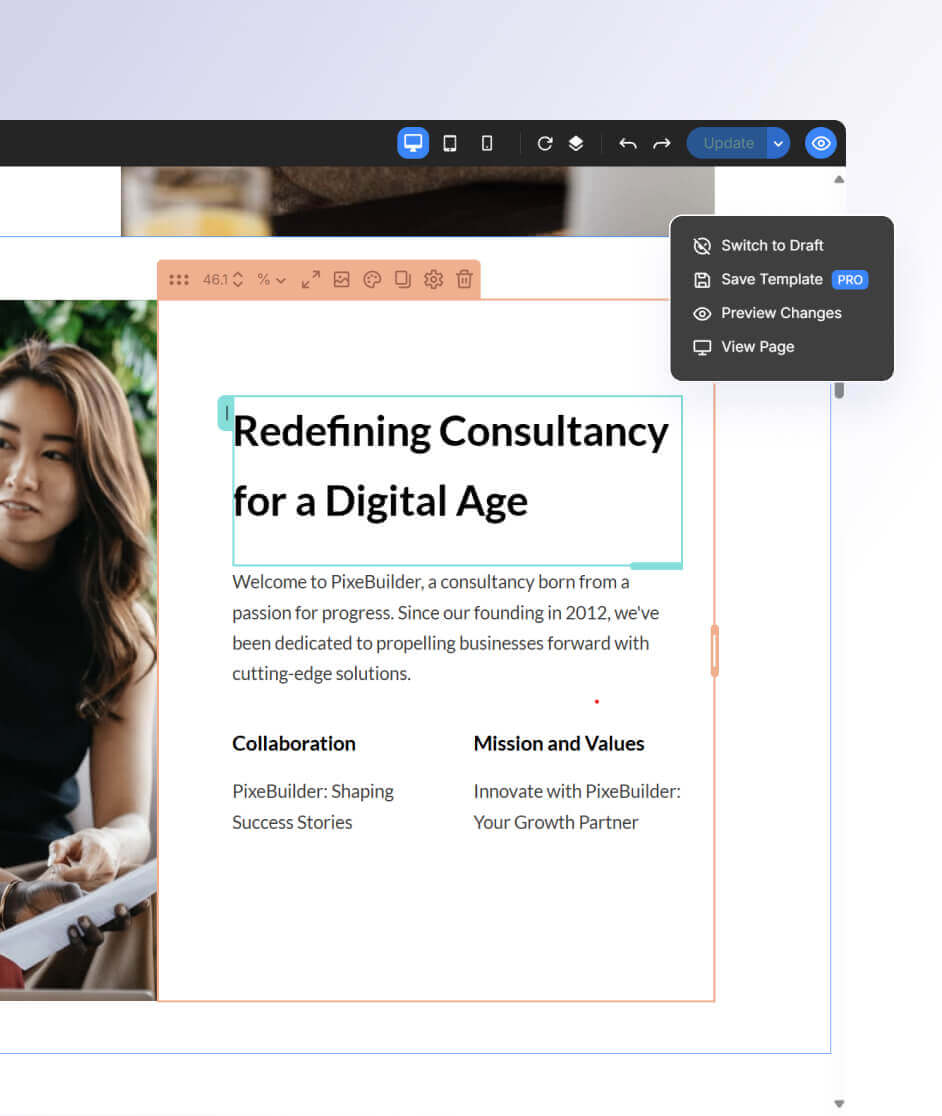
Smooth Editing and Total Control
Enjoy a streamlined experience that empowers your creativity with such features:
View & Edit Modes let you switch effortlessly between preview and editing.
Undo/Redo & Revisions help fix mistakes or revert to earlier designs.
Use Action History to trace and manage all changes with ease.
Next-Generation AI & Media Tools
Built-in AI and native media libraries for a seamless, uninterrupted workflow.
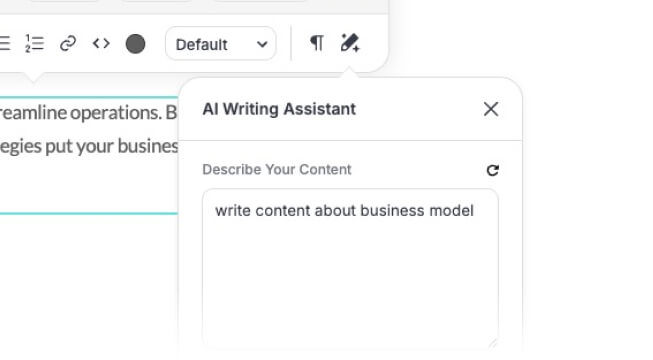
AI Writing Assistant
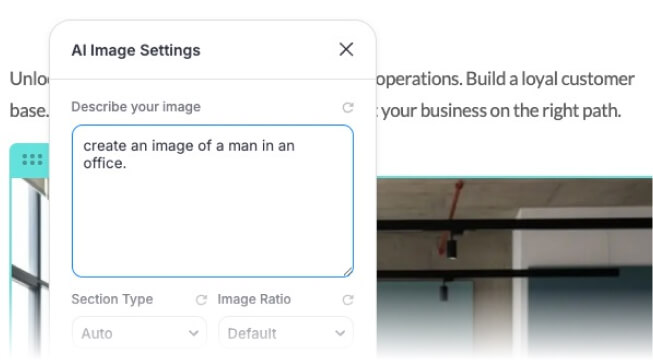
AI Image Generation
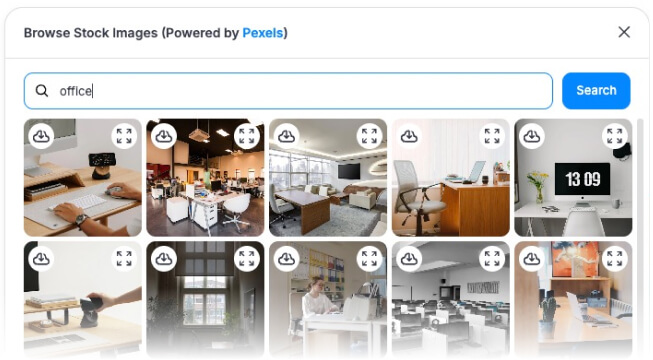
Browse Stock Images
Custom Blocks, Pages & Synced Elements
Unleash your creativity with flexible options:

Custom Creations
Build custom blocks and pages tailored to your unique needs.

Global Updates
Use synced blocks to update content globally in one click.

Easy Layout Navigation
Easily manage layouts and sections with an intuitive page navigator.
Device Views & Adaptive Styling
Ensure your website looks perfect on every screen:
Quick Device Switch
Toggle between desktop, tablet, and mobile views in one click.
Device-Specific Styling
Customize styling for tablet and mobile on every element.
Element Animation
Add animations to create dynamic experiences across devices.
With responsive controls and device-specific styling, your website stays sharp and seamless on every screen size.
Typography, Fonts & Colors Simplified
Achieve a polished and professional look effortlessly:
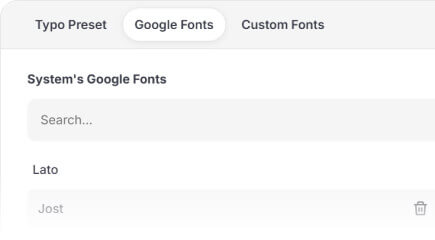
Font Flexibility
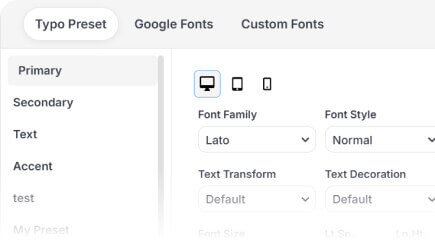
Consistent Text Design
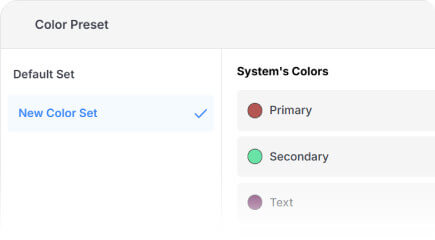
Color Presets
Tailored Tools for Online Stores
Bring your eCommerce visions to life with specialized features:
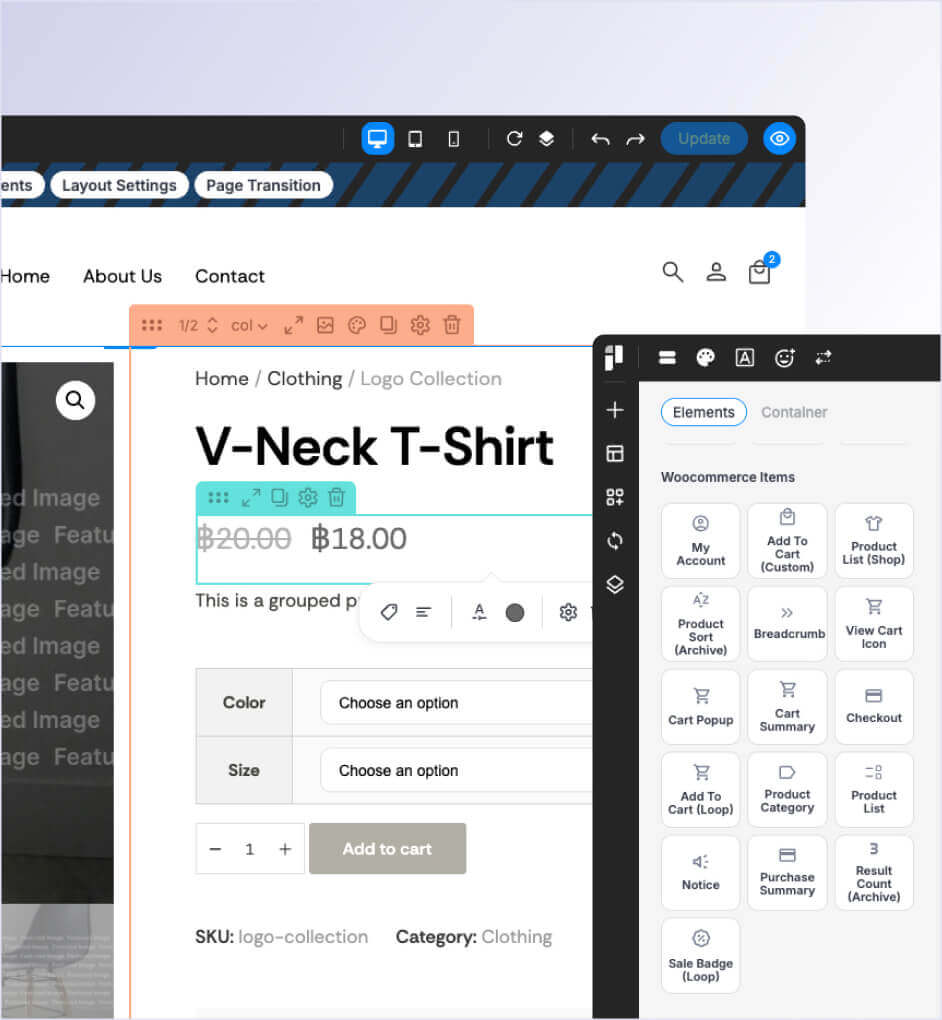
Design unique layouts for your shop, category, and archive pages to match your brand and improve user flow.
Individual components (like title, price, image) that give you precise control over how product information is displayed.
Modify the design and layout of the checkout page to match your branding and boost customer trust.
Multi-Level Columns & Drag-and-Drop Controls
Simplify complex layouts with intuitive tools:

Nested Layouts

Drag-Based Padding
Effortless Editing
Visual & Interactive Elements at Your Fingertips
Create stunning, interactive designs with ease:
Interactive Content
Add sliders, carousels, video embeds, and Google Maps.
Rich Visual Elements
Use icons, galleries, flip boxes, and animations to stand out.
Custom Icons
Upload and manage your own icon sets for a unique brand look.
Contact Forms & Lead Generation Tools
Boost your marketing efforts with built-in features:
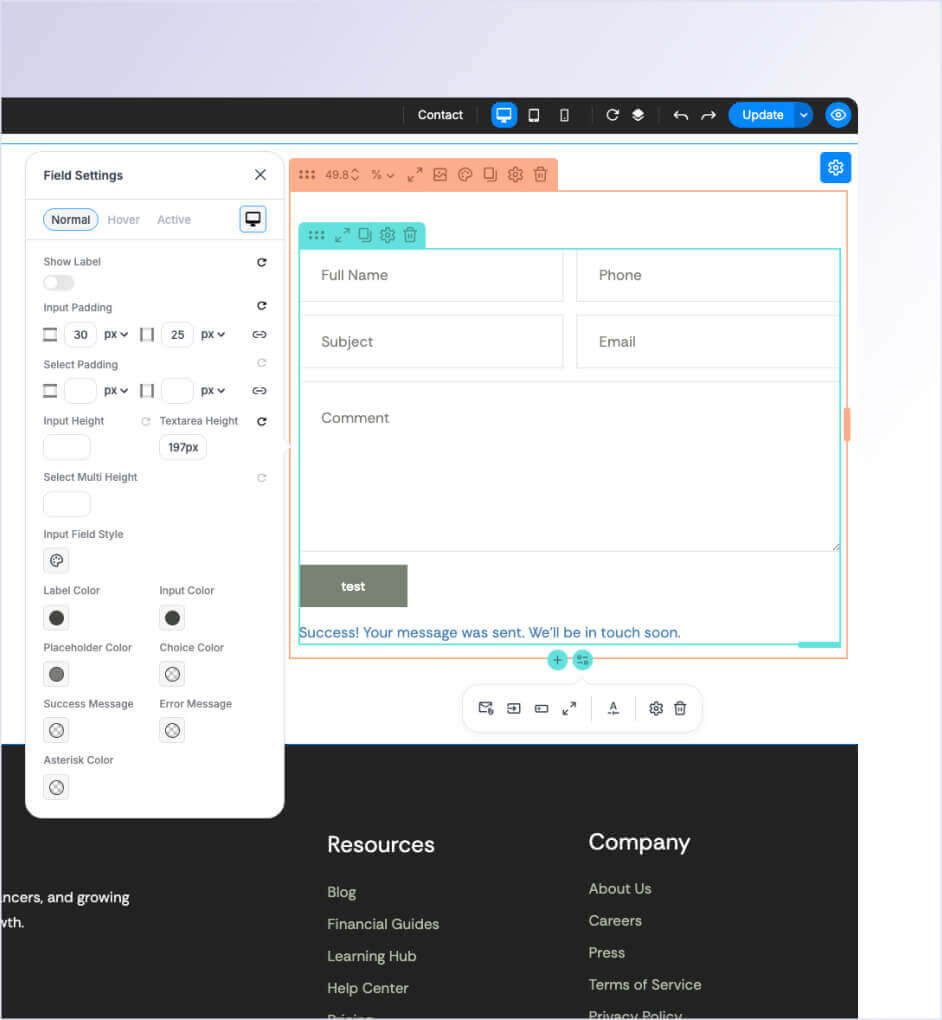
Create contact forms with the built-in form builder.
Set up password-protected sections for exclusive access.
Use synced blocks for repeatable, editable marketing elements.
Build Your Next Site with PixeBuilder
Transform your WordPress projects with our feature-rich, intuitive builder.