
Cleaning Company WordPress Template
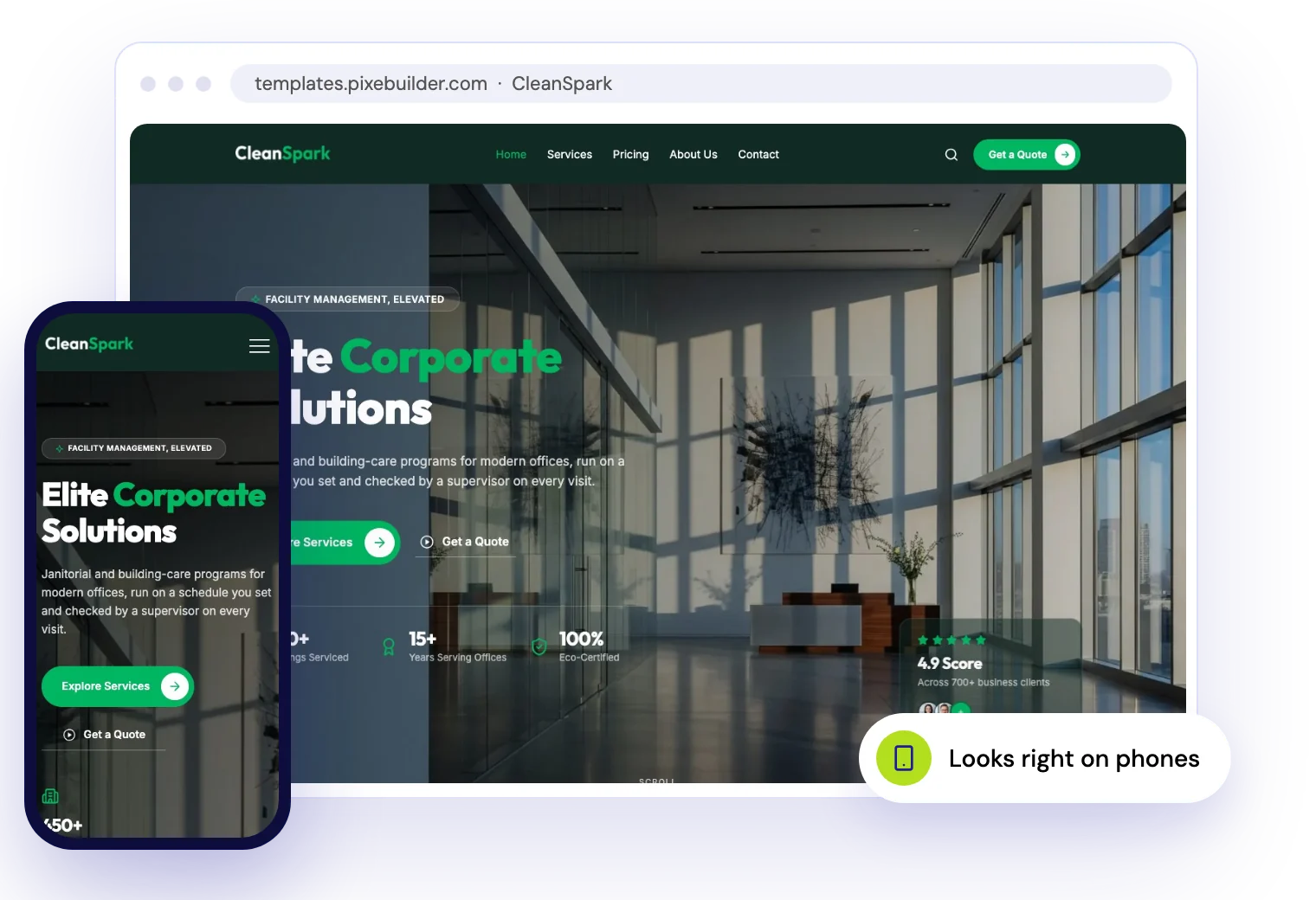
Every page in CleanSpark
5 ready-made pages. Click any one to open the live version.
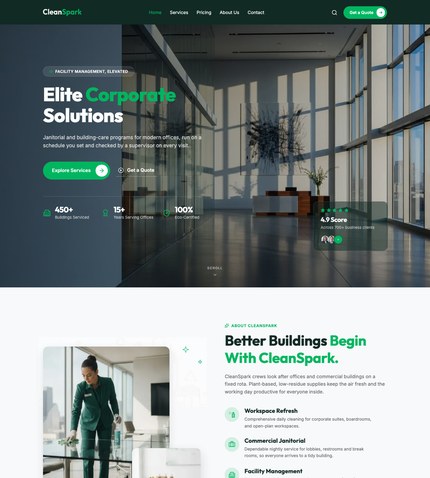
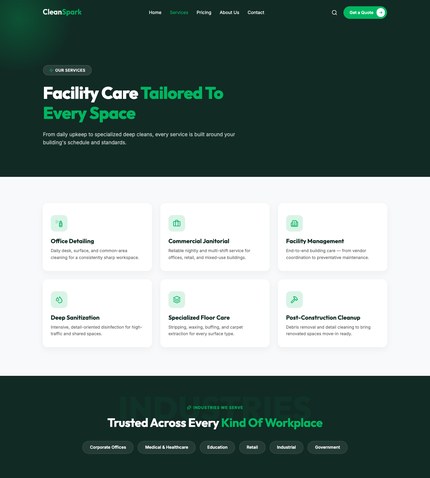
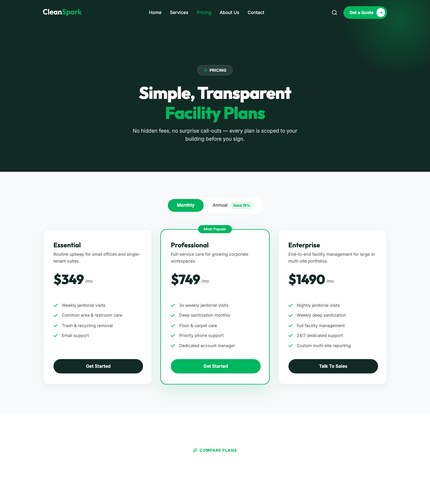

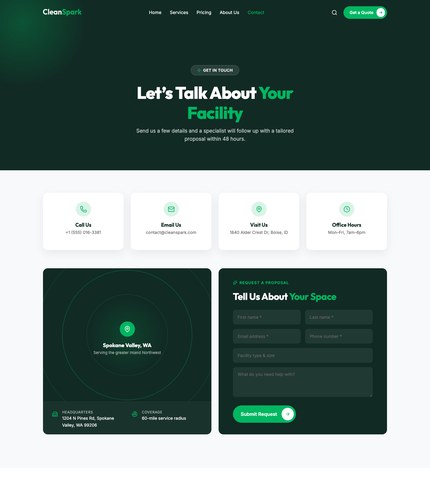
What's in the CleanSpark template
Home
Services
Pricing
About Us
Contact
Edit everything
Looks right on tablets and phones; you can fine-tune each device in the editor.
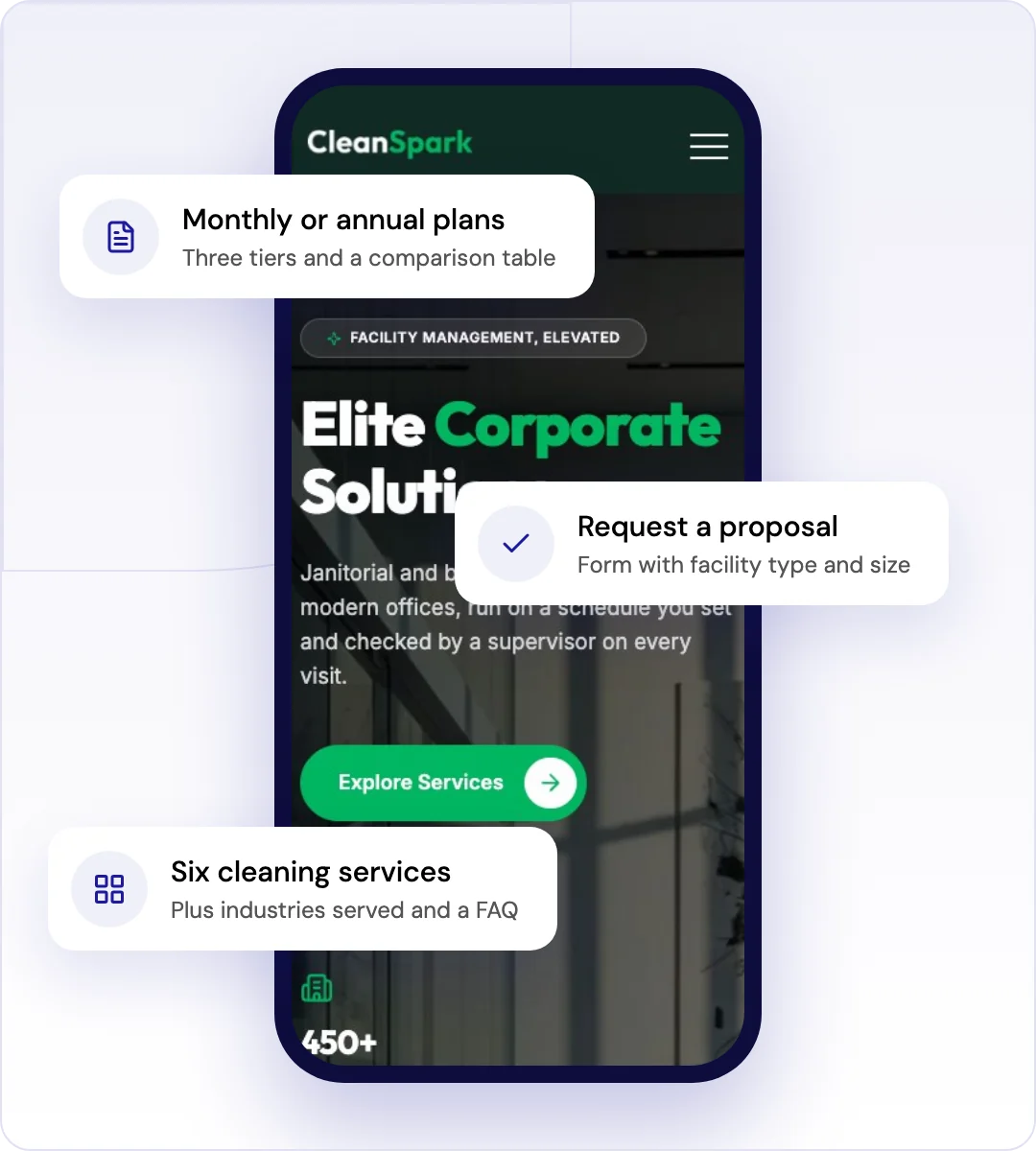
Made for cleaning companies and janitorial services
How to use this template
Install PixeBuilder
Open the Website Library
Import and make it yours
Importing CleanSpark needs a PixeBuilder Pro licence (from $69/year, 30-day money-back guarantee). Step-by-step guide
Free plugin, Pro library
Free plugin
Unlimited websites
What's included:
Pro library
30-day money-back guarantee
Everything in Free, plus:
More prebuilt websites


35 prebuilt websites
Restaurants, spas, cleaning, construction, wedding planners and more.
PixeBuilder works with any well-coded WordPress theme. Your theme's own header and footer may show around the page, so a minimal theme gives the cleanest result. PixeOne, our free theme, is made for this.
Yes. The design's colours load as colour presets and its fonts as typography presets. Change a preset once and every page updates.
Yes. The pages adapt to tablets and phones, and you can adjust each device in the editor's device view.
Yes to both. The Pricing page shows three sample plans with a Monthly / Annual switch; the prices belong to the demo business, so type your own, rename the plans or remove one. The proposal forms on the Home and Contact pages are PixeBuilder Contact Form elements, part of Pro. After you import the design, open each form's settings and fill in "Email To" with the address that should receive requests. Until that field is filled in, the form doesn't send email.
The demo photos and videos come with the import, so you see the finished design right away. They are there for preview. Replace them with your own photos before you launch, especially photos of people.
Start with CleanSpark
Preview all five pages, then add your services, plans and team.