main-logo
Home  ›  Prebuilt Websites  ›  Car Detailing WordPress Template
Aura Detailing · 7-page website
Included with PixeBuilder Pro

Car Detailing WordPress Template
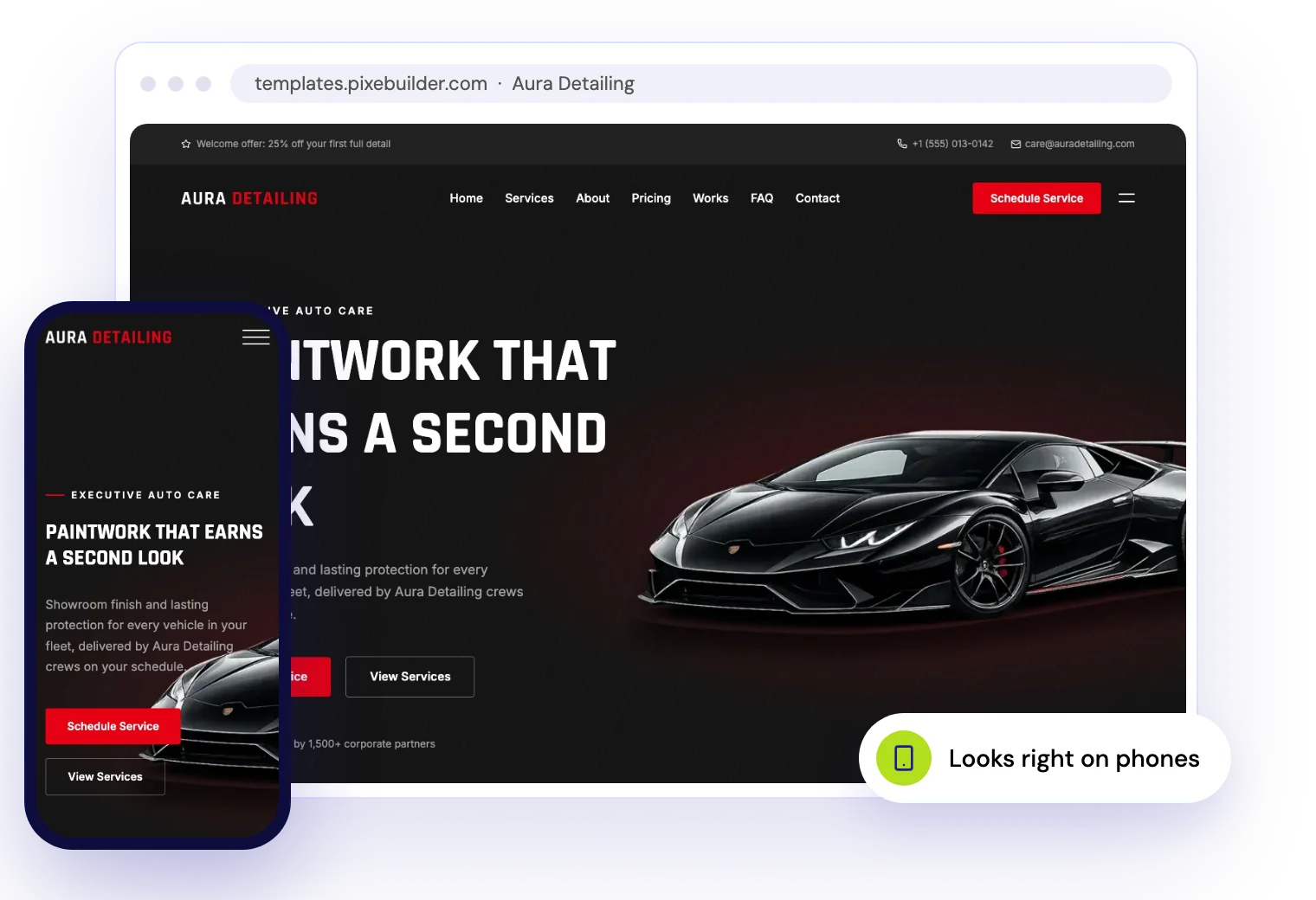
A dark design with near-black sections, white headings and red buttons for car detailing studios and mobile detailers, including fleet work. Services, pricing tiers, a works gallery, a FAQ and a contact form are already laid out.
The PixeBuilder plugin itself is free on WordPress.org
7
3
30-day
ready-made pages
steps to import
money-back guarantee
Aura Detailing car detailing WordPress template, home page on desktop and phone
The full website

Every page in Aura Detailing

7 ready-made pages. Click any one to open the live version.
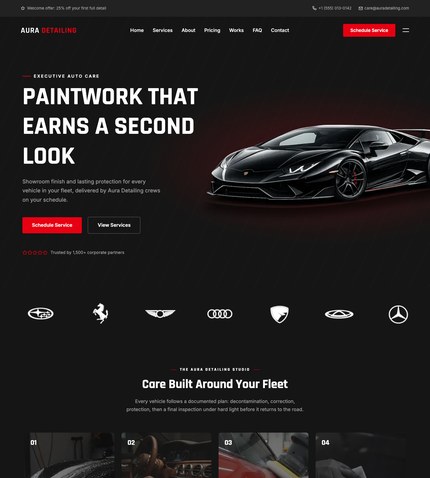
Aura Detailing car detailing template, home page
01 / 07

Home

Hero, services, key figures, reviews, advantages and FAQ
Aura Detailing car detailing template, services page
02 / 07

Services

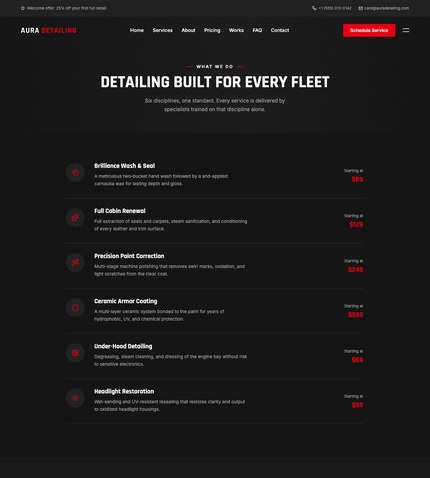
Six services with starting prices and a process
Aura Detailing car detailing template, about page
03 / 07

About

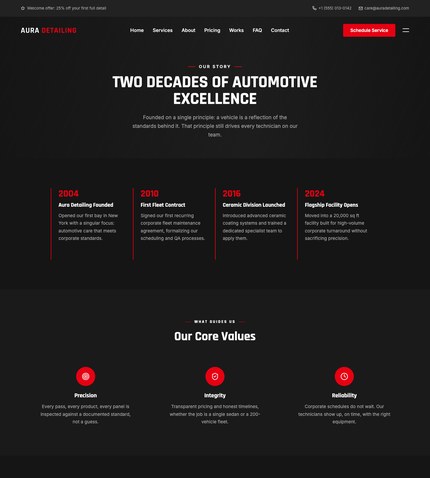
Company timeline, core values and leadership team
Aura Detailing car detailing template, pricing page
04 / 07

Pricing

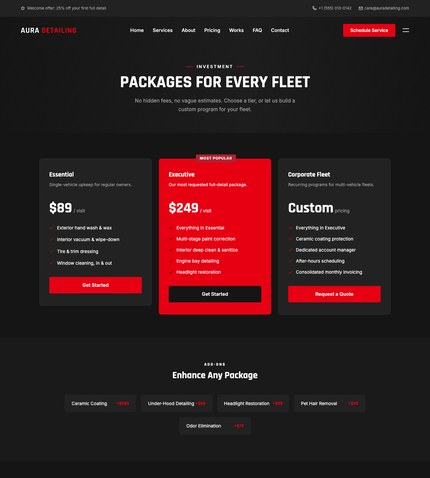
Three tiers, five add-ons and a guarantee
Aura Detailing car detailing template, works page
05 / 07

Works

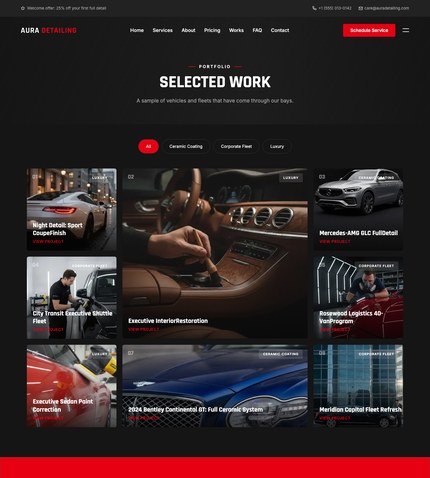
Eight project cards, filterable by service type
Aura Detailing car detailing template, FAQ page
06 / 07

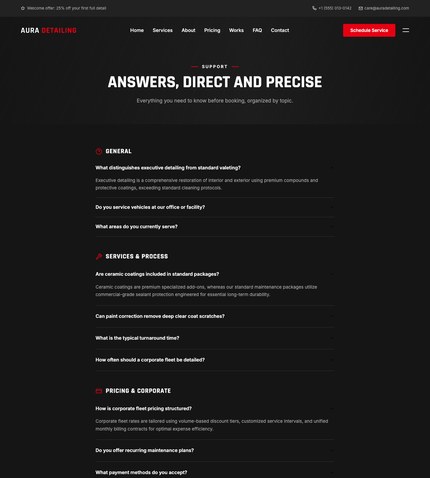
FAQ

Ten questions in three groups
Aura Detailing car detailing template, contact page
07 / 07

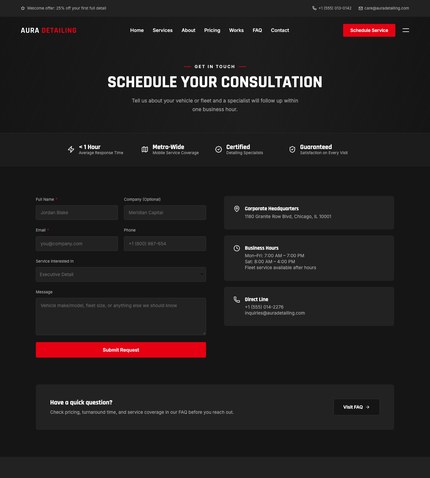
Contact

Request form, hours, phone, email and address
What's included

What's in the Aura Detailing template

Home

A hero with two buttons, a strip of car photos, four numbered services, four key figures, three testimonials, a call-to-action band, four advantage cards and a five-question FAQ

Services

Six services, each with a "Starting at" price, plus a four-step process and a block for recurring fleet programmes

Pricing

Three tiers (two per-visit prices and one custom-priced fleet tier), five add-ons and a guarantee box. The prices are editable sample figures, so enter your own

Works & About

Eight project cards you can filter by ceramic coating, corporate fleet or luxury, and a company timeline with three values and three leader profiles

FAQ & Contact

Ten questions in three groups, and a contact page with a request form (name, company, email, phone, service, message), business hours, phone, email and address

Edit everything

Click any text, image or button to change it. The design's colours load as colour presets, so you can change the palette in one place

Looks right on tablets and phones; you can fine-tune each device in the editor.
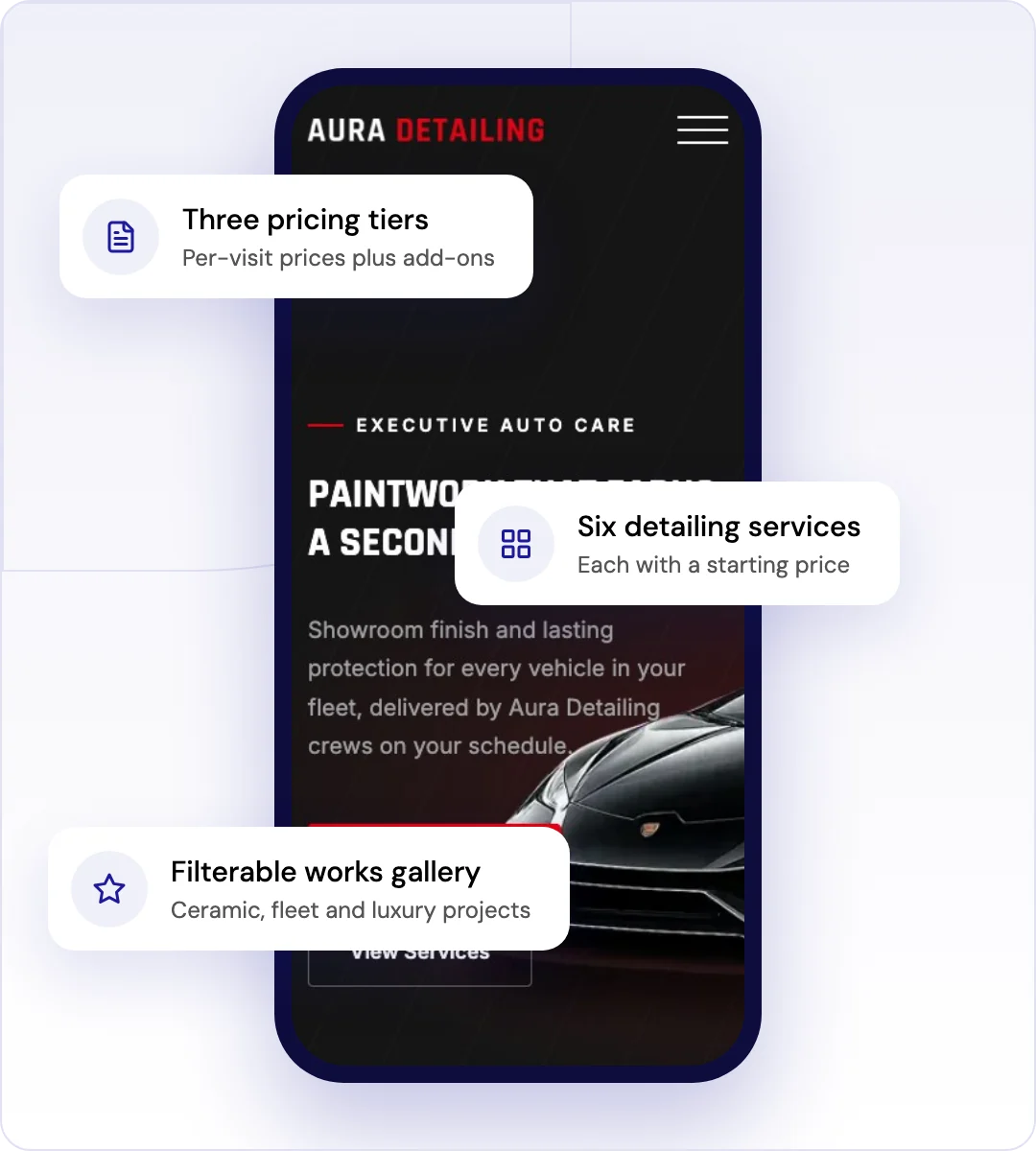
Aura Detailing car detailing template on a phone
Who it's for

Made for car detailing studios and mobile detailers

Customers want to see what you do, what it costs and what past jobs look like. Aura Detailing shows six services with starting prices, three pricing tiers, a four-step process and a gallery of work, with room for company fleet programmes.
Six services (wash and seal, cabin renewal, paint correction, ceramic coating, under-hood, headlights) with starting prices, ready to rename to your menu
Three pricing tiers plus add-ons and a guarantee box, including a "Custom pricing" tier for fleet or business accounts
A four-step process (consultation, inspection, detailing, handover) that shows how a job runs
A works page with eight project cards and a filter, linked to project posts you can replace with your own jobs
A ten-question FAQ page and a request form that asks for company, vehicle details and the service wanted
How it works

How to use this template

Step 01

Install PixeBuilder

The plugin is free on WordPress.org: Plugins → Add New → search "PixeBuilder".
Step 02

Open the Website Library

Go to PixeBuilder → Website Library (or the Websites tab in the editor's library) and pick Aura Detailing. You can preview every page first.
Step 03

Import and make it yours

Click Import Full Website, then click any text, image or button to change it.

Importing Aura Detailing needs a PixeBuilder Pro licence (from $69/year, 30-day money-back guarantee). Step-by-step guide

Free vs Pro

Free plugin, Pro library

Free plugin

$0
/ forever

Unlimited websites

What's included:

Drag & drop editor with on-click and side-panel editing
Global fonts and colours
Unlimited websites

Pro library

from
$69
/ year

30-day money-back guarantee

Everything in Free, plus:

The full prebuilt library: 35 websites, 200+ pages, 400+ blocks
Header, footer and popup builder
Contact forms, WooCommerce and dynamic post elements
AI writing and AI images
Explore more

More prebuilt websites

Construction company WordPress template, home page
Construction company template

Construction

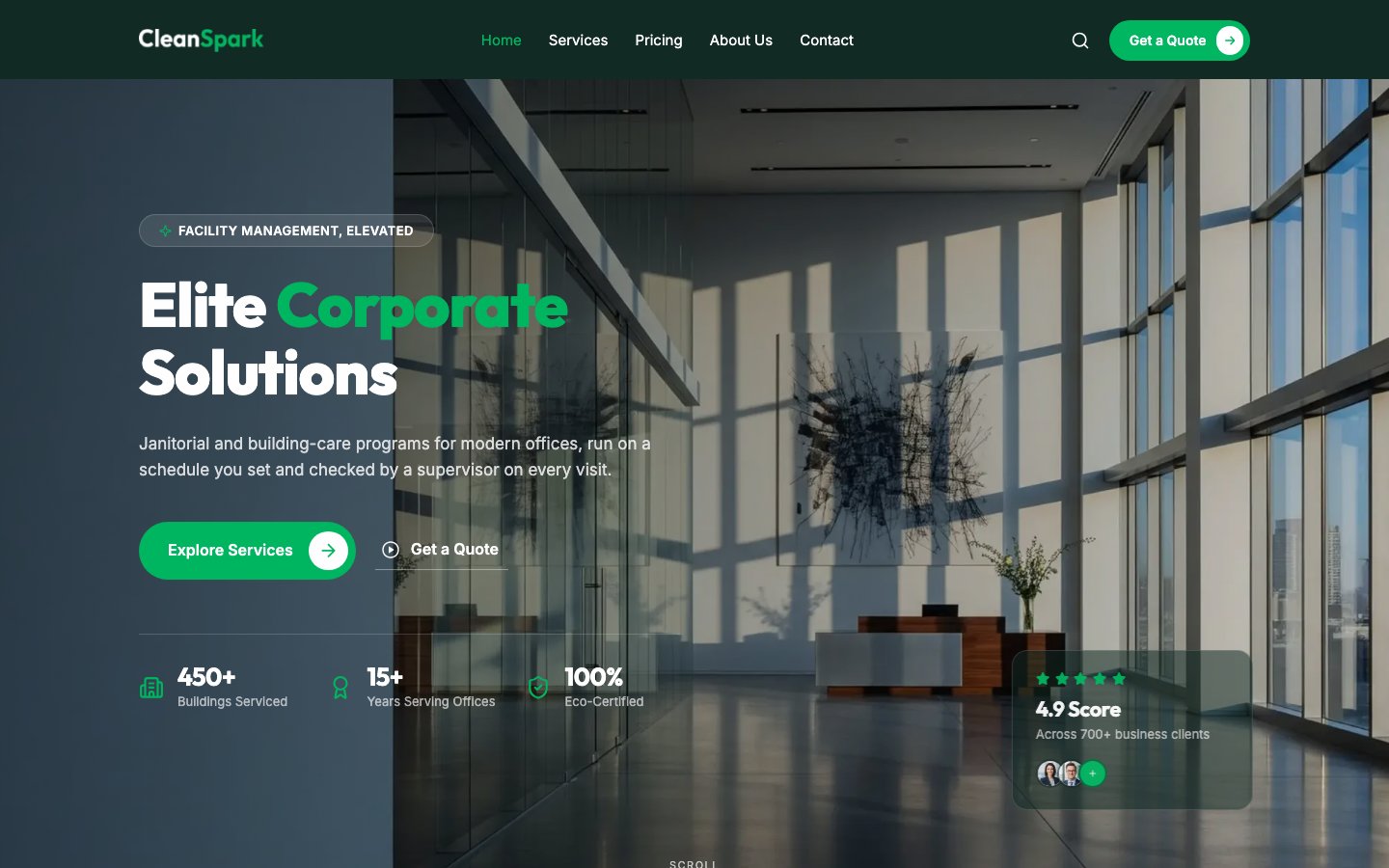
CleanSpark cleaning company WordPress template, home page
Cleaning company template

CleanSpark

The library

35 prebuilt websites

Restaurants, spas, cleaning, construction, wedding planners and more.

FAQ

Questions about Aura Detailing

Have another question? Ask us before you buy

Does it work with my theme?

PixeBuilder works with any well-coded WordPress theme. Your theme's own header and footer may show around the page, so a minimal theme gives the cleanest result. PixeOne, our free theme, is made for this.

Can I change the colours and fonts?

Yes. The design's colours load as colour presets and its fonts as typography presets. Change a preset once and every page updates.

Will it look right on phones?

Yes. The pages adapt to tablets and phones, and you can adjust each device in the editor's device view.

Can customers book a detail online?

Not out of the box. The "Schedule Service" button in the header and the other call-to-action buttons are normal buttons: link them to the online booking tool you use, or to the Contact page. The Contact page has a PixeBuilder Contact Form element, part of Pro, with name, company, email, phone, service and message fields. After you import the design, open the form's settings and fill in "Email To" with the address that should receive requests. Until that field is filled in, the form doesn't send email.

Are the photos included?

The demo photos and videos come with the import, so you see the finished design right away. They are there for preview. Replace them with your own photos before you launch, especially photos of people.

Ready when you are

Start with Aura Detailing

Preview all seven pages, then add your services, prices and past jobs.